How to change or reset your password
To reset your password to one of your choice please follow the steps below:
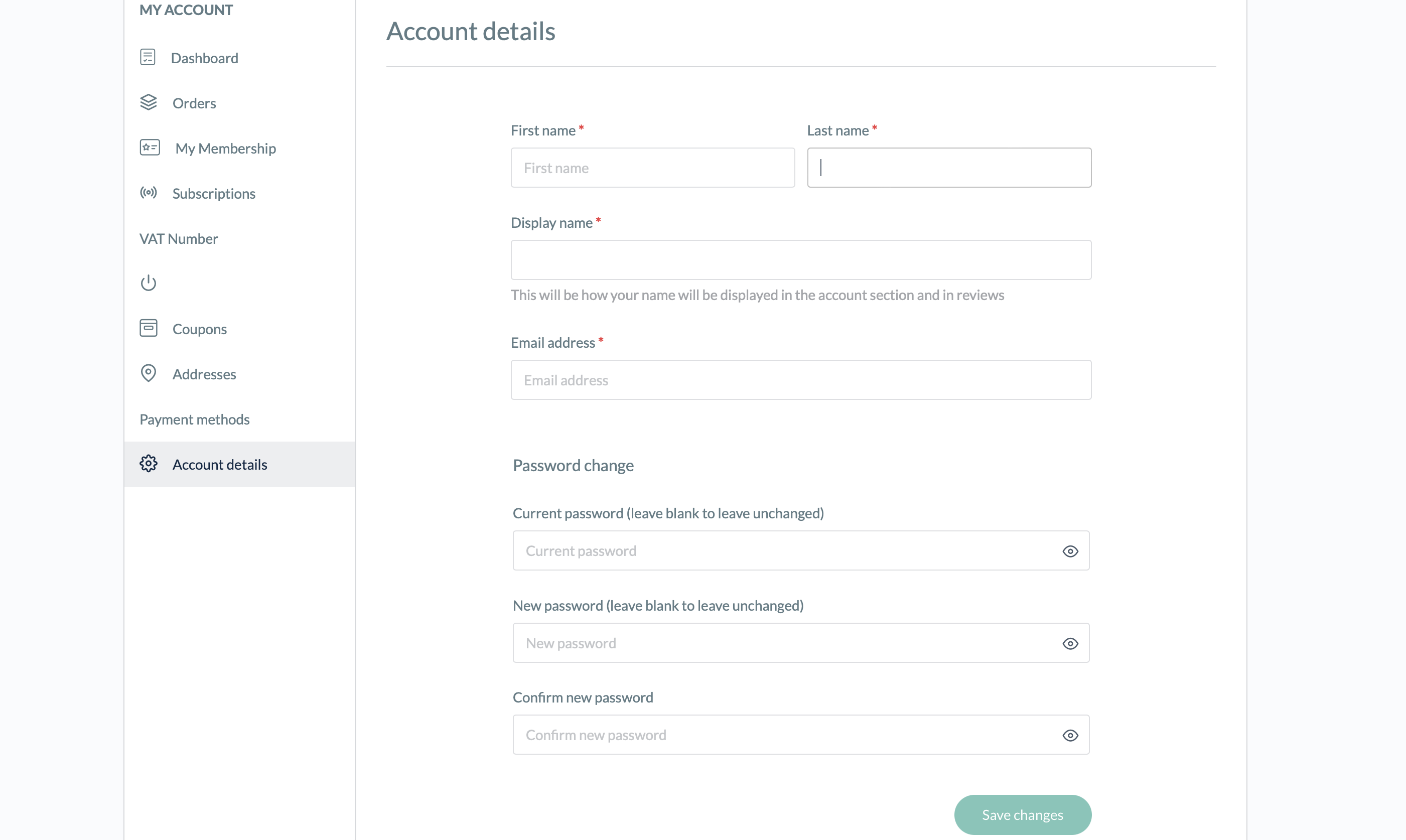
1. Click on your "Account Settings" tab (at the bottom of the left-hand panel)
2. Click on "Account Details" (again at the bottom of the little panel on the left)
3. Change your password to one of your choices. And click "Save Changes".See Screenshot below